
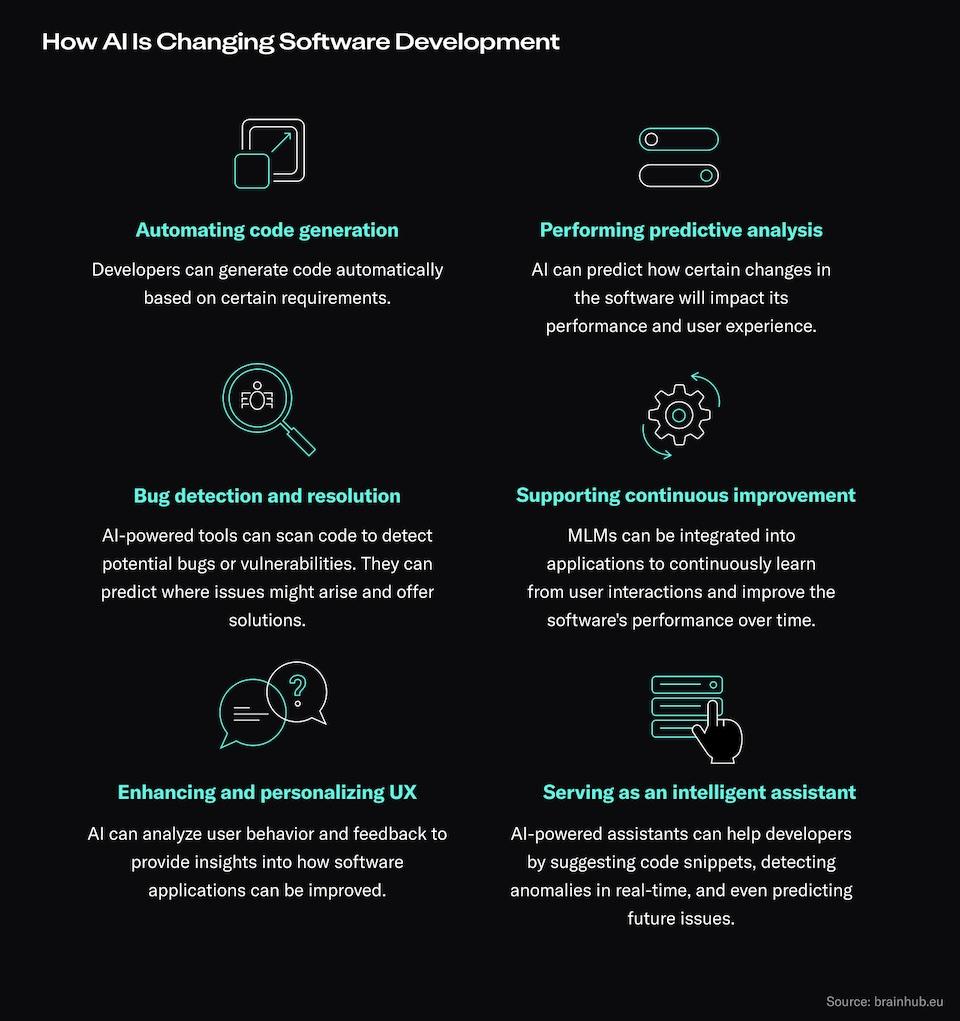
AI is overhyped in what it CAN do, yet under-hyped in how it transforms what WE do.
For code generation, in addition to the Large Language Models, or perhaps the Model Wrappers, include AppGen, Cursor, AgentFarm, Aider.
Acceptance Testing with Vitest
Upsun Daytona
AgentCrew
What is AI Even Good At?
Command Line Ninja Moves
HTML & CSS
Checking Web Pages for Anything
Filler
Marketing copy.
Boilerplate
HTML, CSS standard fair
Chores
Renaming a hundred files
Scanning a hundred files to look for a single line
Reordering a hundred citations.
Taking a document or outline and making a halfway decent presentation out of it.
Rewriting a hundred bullet points to make it look not plagiarized.
Pleasant Surprises
Applying Market Standard Industry Conventions
Creating cool navigation elements Creating tooltips and toast Picking colors somewhat consistent with design intent.
Suggestions
Example Specification Suggestions
---
  PM Review: Gaps & Suggested Additions

  1. Platform Coverage is Incomplete

  The blueprint focuses heavily on Twitter/X but misses:
  - LinkedIn - Huge for B2B; uses OG tags but displays images differently (crops to different ratios)
  - WhatsApp/iMessage - Dominant for "share" buttons on mobile; WhatsApp caches aggressively and is hard to debug
  - Slack/Discord - Professional contexts; have their own preview quirks

  Suggested addition: A "Platform-Specific Considerations" section.

  2. No Character Limits Mentioned

  Platforms truncate differently:
  - og:title: ~60-70 chars before truncation
  - og:description: ~160-200 chars
  - Twitter title: 70 chars

  Suggested addition: Add truncation guidance or a helper that enforces limits.

  3. Missing Debugging/Validation URLs

  The doc says "use social validators" but doesn't list them:
  - Facebook: https://developers.facebook.com/tools/debug/
  - LinkedIn: https://www.linkedin.com/post-inspector/
  - Twitter: https://cards-dev.twitter.com/validator

  Suggested addition: Concrete validator URLs in the Validation section.

  4. Image Fallback Chain Not Defined

  What's the cascade when shareImage is missing?
  - Page-specific image → Collection default → Site default?
  - Should certain content types (articles vs. profiles) have different defaults?

  5. Article-Specific Properties Missing

  For blog/news content, these matter:
  - article:published_time
  - article:modified_time
  - article:author
  - article:section

  6. No Mention of JSON-LD/Structured Data

  OG tags and Schema.org/JSON-LD serve different purposes but are complementary. Worth noting the relationship.

  7. og:locale for Multi-Language

  The doc mentions i18n but doesn't show og:locale or og:locale:alternate tags.
Design System Conventions
Diagrams as Code
Scanning Large Codebases
Interpreting Error Messages
Giving Beginners Courage
Rapid Documentation
Robust Git Commits
Robust Code Comments
UI & Design Variants
Responsive Front-End
Appropriate Animations
Foreign Frameworks and Libraries (that are in Wide Use)
Picking Up where You Left Off
Being Cooperative
Boosting Confidence
Iteration Stamina
Rupture and Repair
Markdown & JSON & CSV
Scanning and Reading Documentation
What is AI Bad At?
Completing a complex task you gave it
Being honest
Remembering things
Holding complex systems designs in mind when executing small tasks
Limitations of AI Code Assistants and Code Generator AI
AI code assistants have notable limitations: they struggle with contextual understanding, code quality, creativity, handling edge cases, collaboration, and pose security and compliance risks. [1] [2] [3] [4] [5]
Some professional engineers have abandoned "Vibe Coding" due to increased review complexity, higher risk for bugs and vulnerabilities, and frustration with AI choices lacking domain expertise or design sense. [5] [6] Developers and toolmakers are responding by refining AI workflows, focusing on human-in-the-loop practices, improving context feeding, and integrating stronger safeguards for code quality and privacy. [3] [4] [5]
Key Limitations of AI Code Assistants
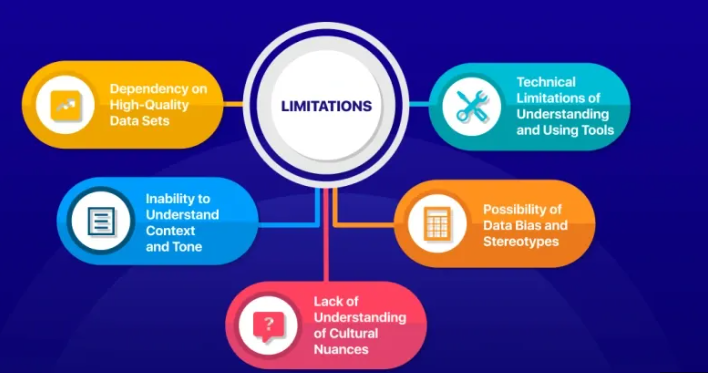 A diagram depicting key limitation categories: Context, Creativity, Complexity, Security, Collaboration, and Compliance.
Poor Contextual Awareness: AI models excel at pattern recognition and syntax, but miss deeper project or business rules—leading to code that "looks right" but misses the real requirements. [1] [2] [3] [4]
Training Data Issues: Their knowledge comes from public codebases, so they may suggest outdated methods, insecure practices, or infringe on licenses unless carefully audited. [1] [2] [5]
Limited Creativity and Design Thinking: AI can't innovate or strategize; for open-ended tasks or complex algorithm design, its suggestions lack originality and critical insight. [1] [2] [4]
Handling Edge Cases: Rare scenarios, multi-step error handling, and intricate algorithms often stump AI, resulting in incorrect or suboptimal code that requires manual correction. [2]
Collaboration Breakdown: AI-generated code discourages peer learning and team discussion, sometimes causing confusion about intent or logic. [1]
Increased Dependency Risks: Overreliance can erode skills and discourage developers from deeply engaging with the codebase. [1]
Security and Compliance: AI-generated code has been shown to leak secrets, bypass reviews, and increase critical vulnerabilities, with additional risks when handling sensitive data and compliance mandates. [5]
Why Some Engineers Are Giving Up on Vibe Coding
 A split image: professional engineers reviewing an AI-generated pull request filled with questionable code, side-by-side with increased security flags and reviewer comments.
Review Overload: Apiiro's 2024 research found pull requests with AI code required 60% more review comments—especially on security issues—creating review fatigue and slowing delivery. [5]
Higher Vulnerability Rates: Projects using AI assistants saw a 2.5x increase in critical vulnerabilities, faster code merges (often bypassing human checks), and a 40% jump in secrets exposure. [5]
Productivity Paradox: Contrary to claims, recent studies show experienced developers took about 19% longer to finish issues when using AI tools—the time lost to fixing, checking, or refactoring AI-generated code often outweighs purported efficiency gains. [6]
Decreased Trust and Frustration: Engineers reported frustration with superficial tests, hallucinated logic (code that "compiles but collapses in production"), and AI failing to respect proprietary conventions or nuanced requirements. [3] [4] [6]
Ongoing Responses and Mitigation Strategies
 A flowchart showing improved human-in-the-loop code workflows, robust context feeding, integrated security scan, and manual code review checkpoints.
Enhanced Context Feeding: Teams are developing practices to give AI assistants more explicit instruction and business context, so outputs fit real requirements rather than generic templates. [3] [4]
Human-in-the-Loop Review: Critical code is subjected to deeper manual review, particularly for security, compliance, and architecture decisions. [3] [5]
Tool Improvements: Vendors are building better feedback loops, transparency features (allowing the AI to indicate confidence or request confirmation), and improved static analysis integration to catch hallucinations and vulnerabilities earlier. [3]
Security-First Defaults: Organizations are closing AI integration gaps by masking secrets, enforcing compliance, and running security scanners on all AI-generated code before deployment. [5]
Workforce Development: There is renewed emphasis on retaining manual coding skills and fostering collaborative environments where AI is a support—never a replacement—for real engineering insight. [1] [4]
In summary, while AI code assistants offer advantages for routine tasks, their current limitations have led some professionals to step back from "Vibe Coding"—and the response has been a shift to smarter, safer, human-centered development workflows.
Citations
[8]: 2025, Oct 12. Test Drive Before You Buy: Your Guide to AI Code Assistant Trials in .... Published: 2025-06-23 | Updated: 2025-10-12